



5 Things You Can Do Hands-Free In Your Subaru

To drive safely, it is essential to use a hands-free system to talk and otherwise use your cell phone. However, today, many other functions can be operated in your Subaru by one control and your voice, enabling your hands to stay on the wheel and your eyes on the road. Twin Falls Subaru provides these examples.
Climate Controls
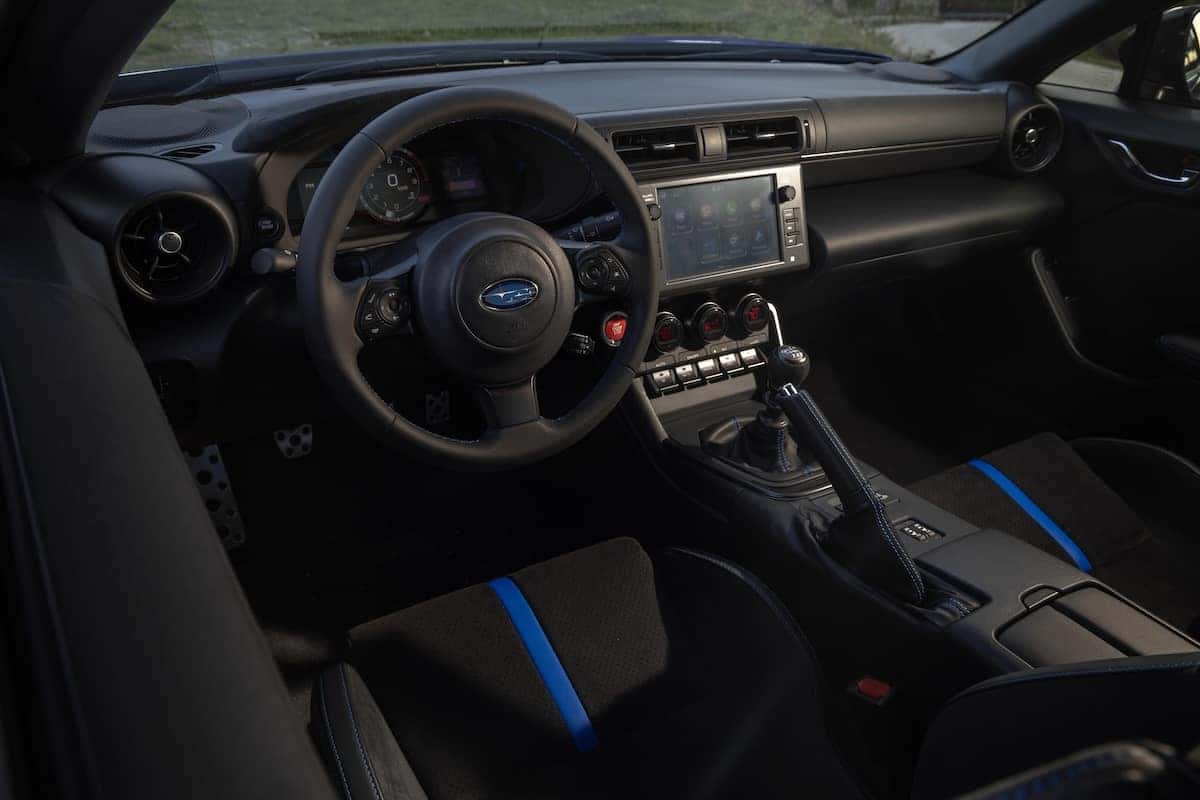
Subaru designs its climate control systems to be easy to use, but using your voice makes it even easier. Simply tap on the Voice Command button on the left side of your steering wheel, wait for the confirmation beep, and tell it what to do. This includes turning the AC on, changing the fan setting, or activating the windshield defogger. You can tell the automatic climate control to raise or lower it to a specific temperature or by a number of degrees up or down. Again, just about anything your climate control can do can be done by voice command.
Heated Seats
On models equipped with heated or heated and ventilated seats, you can operate this function by voice. If you simply say, “Turn on the heated driver seat,” it will automatically engage the highest setting. You can also ask it to engage a specific setting or change the setting once it is on. Of course, you can also tell it to turn off the system.
Auto Stop/Start
This system can decrease fuel use and emissions by automatically shutting down the engine when you are stationary. A tap on the throttle immediately starts the engine again. Subaru has made efforts to restart the engine as smoothly and unobtrusively as possible. However, you can tell the car to disengage the feature if you are constantly stopping and starting, such as when getting out of a crowded parking lot. Say, “Turn off Stop/start,” and there is no need to interact with the touchscreen.
Audio System
This is when the voice control really becomes useful. Again, Subaru has designed its infotainment system to be as easy to use as possible. It’s hard to be easier than tapping the voice command control and saying, “Turn on FM Radio,” and the system does just that. You can also request specific stations, such as “Go to 90.7.”
When streaming from your phone, the system is even more helpful by seeking a genre, artist, or even specific song by asking for it. The Voice Command control also becomes a shortcut to Apple’s Siri or Google Assistant. It is often helpful, in this case, to specify your request by stating what type of search you want, such as saying “Play artist Rolling Stones” to differentiate from the Bob Dylan song “Like a Rolling Stone.” While playing, the system will mute when you activate the voice command system in order to hear you.
Navigation System
This may be the best use of the Voice Recognition system. When interacting with your smartphone’s map app, you can use the Voice command button to find a specific address or simply say, “Find the nearest Walgreens.”
The system isn’t perfect. Using it with the windows down at highway speeds or when there is other ambient noise in the cabin can be problematic. It will sometimes misunderstand you, but the more you use it, the more effective it will be.
This is another way Subaru strives to make your ownership as safe and enjoyable as possible. Make sure you test how the system works during your next test drive at Twin Falls Subaru.
0 comment(s) so far on 5 Things You Can Do Hands-Free In Your Subaru