



Seven Hidden Subaru Features You May Not Know
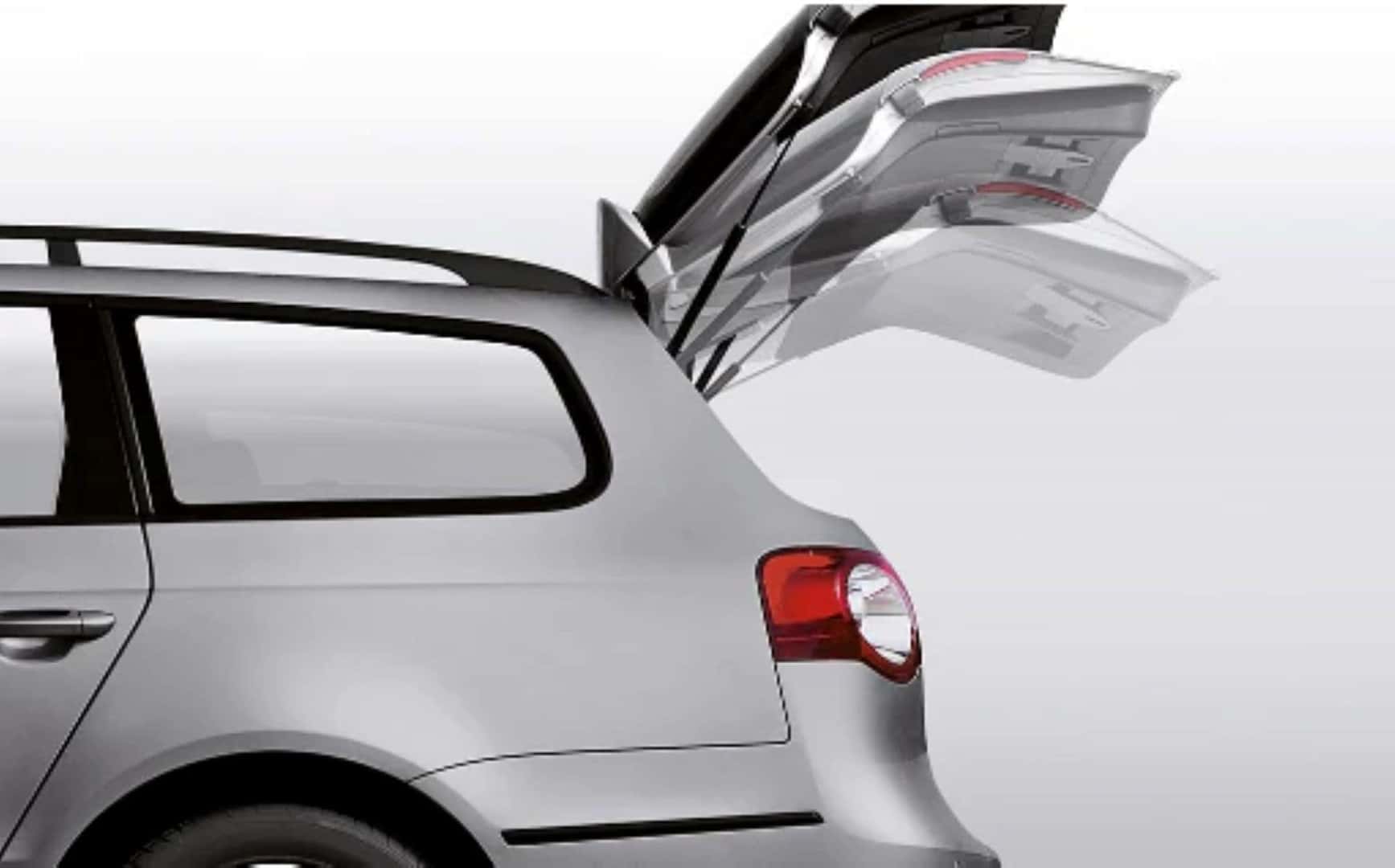 Subaru engineers go out of their way to anticipate the needs of Subaru owners and subsequently engineer features to address those needs. They do this so thoroughly that sometimes Subaru customers can’t keep track of all the thoughtful features built into the models. Additionally, some details may get lost when shopping for a new Subaru. This post by Twin Falls Subaru highlights several small features that many Subaru owners may not realize they have on their current vehicles. While not all recent Subaru models have all the features, many models produced in the last decade do, so it is worth checking which ones are available for your model.
Hidden Cargo Cover
A retractable cargo cover is helpful for protecting items in the cargo area from prying eyes or the sun on a hot day. When you load something tall, the retraction motion clears the cover out of the way. However, when you expand the cargo space by lowering the seats, the cargo cover unit can obstruct the area. You can remove it, but it may still take up space you want to utilize for cargo. Subaru creates additional space for cargo beneath the floor. If a Subaru owner hasn’t opened the panel in the floor’s cargo area, he or she may not realize that the retractable cargo cover is stored there, waiting for use.
 Keyless Entry Settings
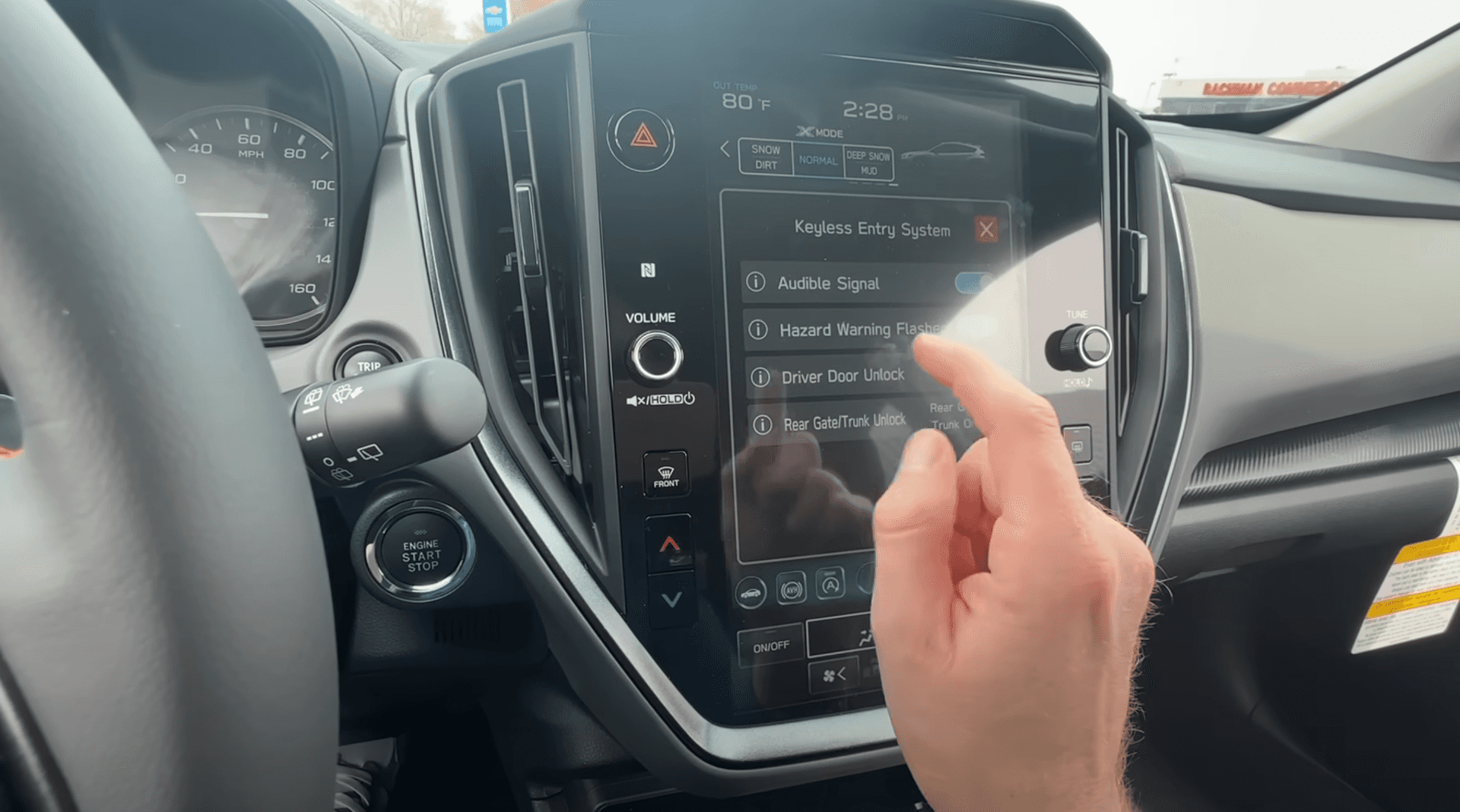
A feature of models with keyless entry is that if you have the fob in your pocket or purse, you can walk up to the car and simply grab the driver door handle, and the driver’s door will unlock automatically. The rest of the doors stay locked, which is a good security feature when you are alone. If you have people with you, the doors will remain locked until you press the control on the driver door panel to unlock them. However, if you know you are going to be driving with other people for a while, you can instruct the car to unlock all the doors once you grab the door handle.
- From the main menu, press “Settings.”
- On the large screen, among the categories that appear are “General, “Sound,” and “Phone.” Scroll further to the right to the “Car” setting. Models with the small screen skip this step.
- Select “Keyless Entry System.”
- Select “Driver Door Unlock.”
- You will have a choice between “Driver Door Only” and “All.”
- Select “All” and all doors will now unlock when you grab the door handle.
That is all you have to do. If you find yourself driving alone again, go through the same steps to set the car back to “Driver Door Only.”
Backup Camera Washer
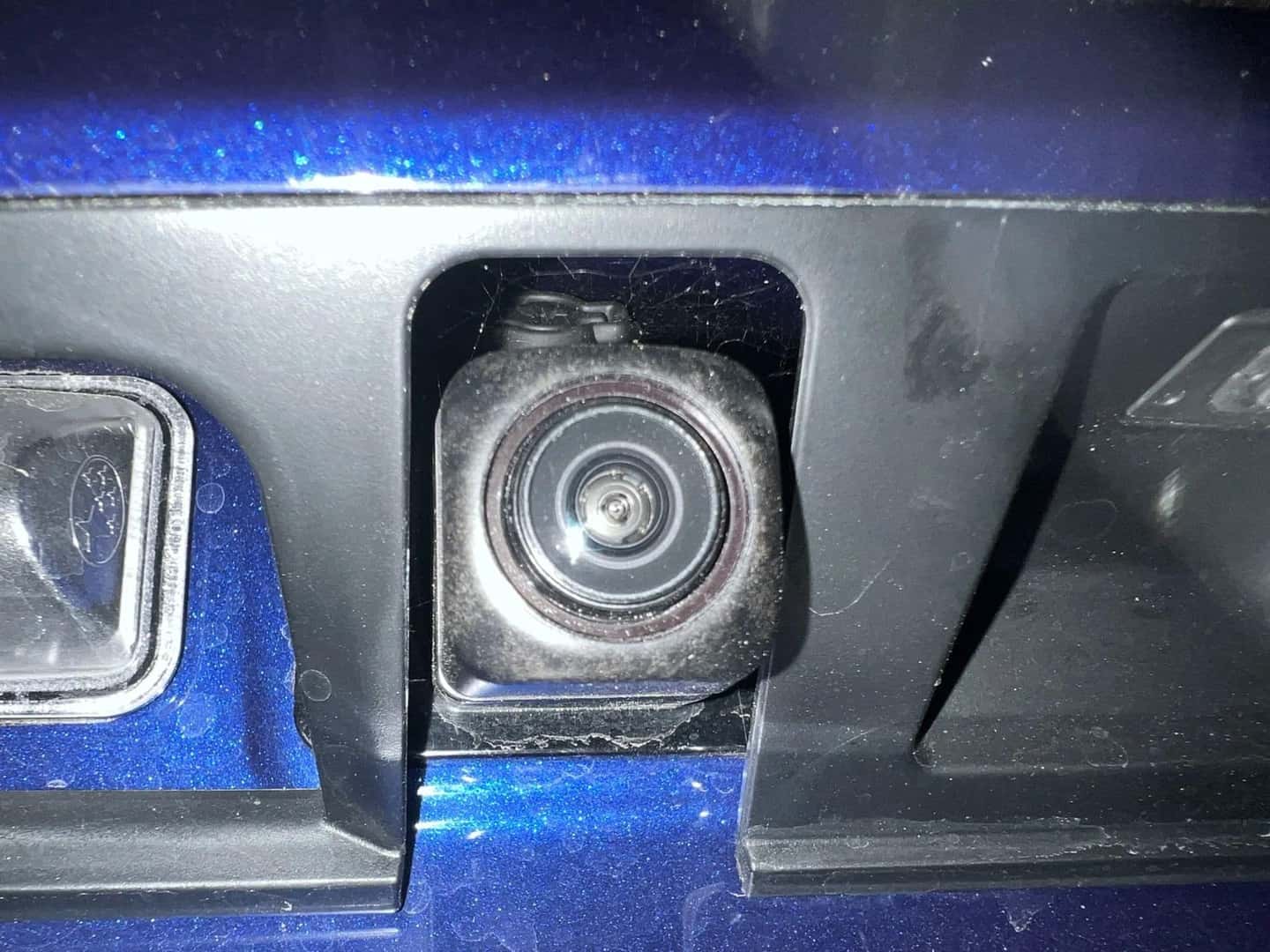
The backup camera is always a useful feature—until it gets dirty. Many Subaru owners don’t realize that the rear window washer can wash the rear camera lens as well.
- Set the car to reverse to activate the camera.
- Twist the wiper knob forward until you see the washer fluid coating the camera lens through the display.
Automatic High Beams
Since the introduction of daytime running lights and always-illuminated dashboard gauges, we have all witnessed someone driving down the road, mistakenly thinking his or her lights are on when they are not. From any side or rear angle, the car can vanish into the darkness. The best way to avoid being that person is to keep your headlights set to AUTO and just leave it there. The lights will always turn on when needed. This has a benefit for many 2017-and-newer models. Setting the lights to AUTO will activate your Automatic High Beams feature so they illuminate when appropriate, providing a wider, brighter view. They will automatically turn off when oncoming vehicle lights are detected. It is all automatic, so you, the driver, don’t have to do a thing.
Permanent Information Setting in Driver Display
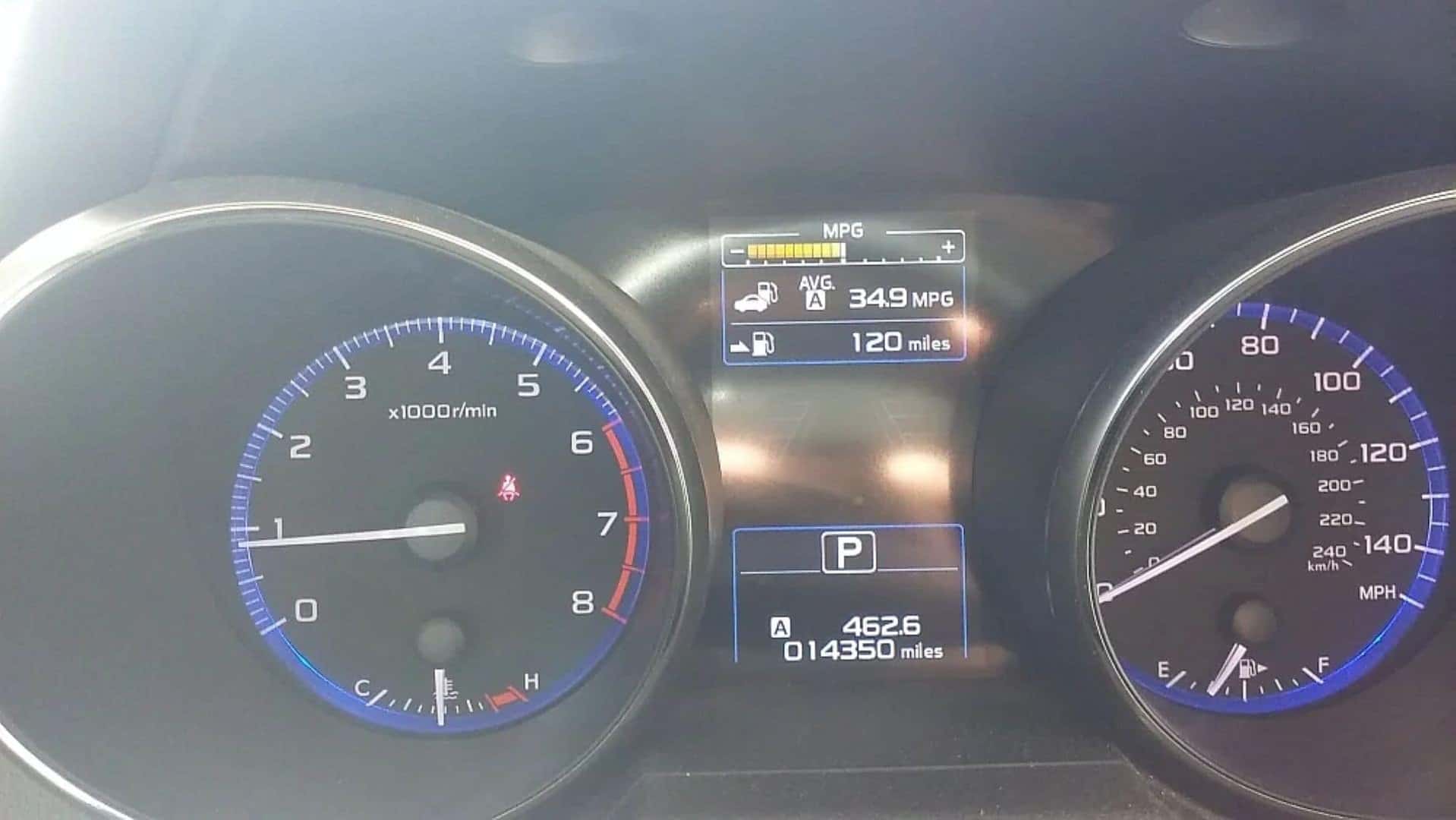
Most Subaru owners know how to use the steering wheel control to change the adjustable display between the analog gauges to access various information. Above the adjustable display is a permanent information display, which often shows the time and outside temperature. However, you can set this permanent display to show something else if you prefer. For instance, if you are concerned about how many miles you have left until the tank is empty, you can make this a permanent display.
- Tap “Settings” on the touchscreen’s main menu.
- Select “Meter Screen.”
- Select “Meter Information Screen.”
You have a choice of “Eco Gauge” (shows immediate fuel consumption rate), “Out (outside) Temp/Clock,” and “Gas Range.” For this example, select “Gas Range.” Now, the top display will show, in estimated miles, how far you can go until you reach empty.
Power Liftgate Height Setting
On Outback and Forester models with the power liftgate, the default setting is for the liftgate to rise to its maximum height. However, you can adjust it to stop at a lower height. You may want to do this if you know children or someone else who is too short to reach the liftgate close button will be using it. Additionally, if you have something loaded on the roof rack that could collide with the liftgate when it is fully raised, or if you are parking in an area with a low roof, it makes sense to change the lift height. More recent models will have a liftgate memory button to the left of the steering wheel that will let you toggle between the liftgate fully lifting or lifting to your set height.
To change the liftgate lift height:
- When it is open, manually bring the liftgate to the desired location.
- Click and hold the liftgate button. This will set the liftgate to lift to this height.
Unlocking the Car without the Key Fob
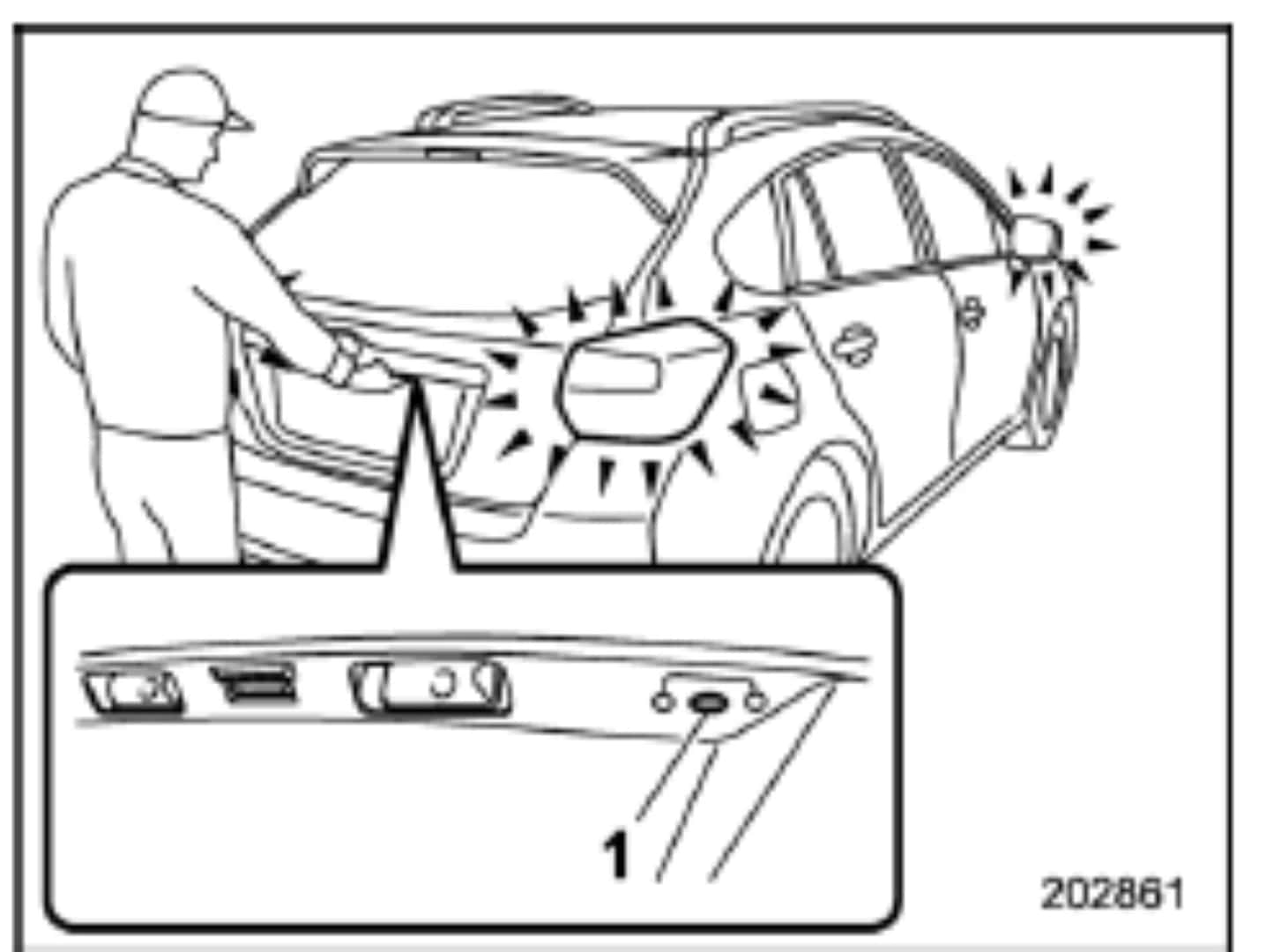
This is a feature for cars with keyless start. Let’s say you are going to the beach. You can’t bring the keyless fob with you into the water, and you don’t want to leave it behind on the beach where anyone can access it. Over the last ten years, Subaru has had you covered. There is a hidden button on the liftgate to the right of the license plate light where you can set a five-digit PIN (refer to your owner manual for specifics). After the code is set, you can put the key fob in sleep mode and leave it somewhere not visible in the car. When you return to the car, punch in the code, and the car will unlock. This will also work if the key fob has been lost or broken. Although it will enable you to get in the car, it will not allow you to start it.
Chances are, you didn’t know about at least one of these Subaru features, and hopefully, you will have the opportunity to apply what you learned. If you haven’t already, it is worth spending time in the Settings section of your touchscreen just to see all the types of settings and adjustments. It all goes to show the thoughtfulness put into every modern Subaru model. Visit Twin Falls Subaru to see all that a new Subaru can do for you.
0 comment(s) so far on Seven Hidden Subaru Features You May Not Know